 Coming soon
4 desktop wallpapers · calm, minimal
Wallpapers for Mac & iPhone
Original minimalist wallpapers made in small collections — tactile forms, soft light and room for everything you keep on your desktop.
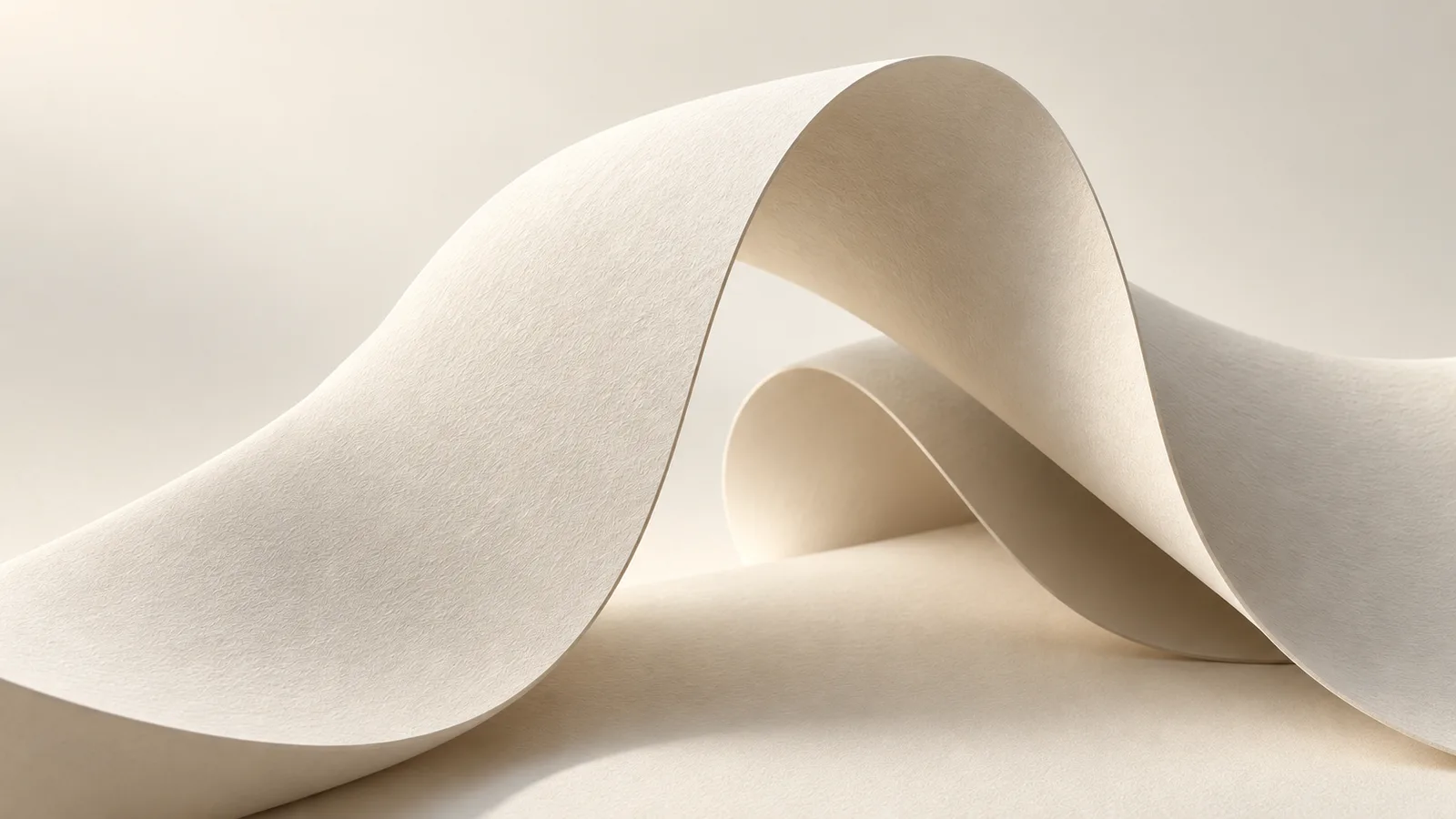
Shown: Quiet Forms
Collections
Coming soon4 desktop wallpapers · calm, minimal
Why wallpaper.place
Every image leaves a calm, low-detail zone so desktop icons and widgets stay readable.
4K plus native MacBook sizes, so nothing gets stretched, blurred or awkwardly cropped.
Each collection is designed as a set: one palette, one light, one material — no random dumps.
One-time purchase, instant ZIP download, use it on every device you own.
Journal
Minimal isn't just 'less stuff'. Seven practical principles — negative space, value contrast, color temperature, texture — for picking a desktop wallpaper that stays calm all day.
September 30, 2026Three quick ways to set a desktop wallpaper on macOS, how to rotate a whole folder of wallpapers, use different images on multiple displays, and avoid blurry results.
September 29, 2026Native resolutions for every current MacBook Air, MacBook Pro, iMac and Apple display — plus how the notch, scaling and aspect ratio change which wallpaper file you should pick.
FAQ
Every desktop collection includes 4K (3840 × 2160) files for iMac and external monitors, plus native sizes for current MacBook Air and MacBook Pro screens. The exact list is shown on each collection page. Not sure which one you need? Read our resolution guide.
Right after checkout you get a download link on the confirmation page and by email. Files come as a single ZIP of lossless PNGs.
Yes. Your purchase covers personal use on any devices you own. Sharing, reselling or using the art commercially is not allowed — see the license.
Open System Settings → Wallpaper and add the photo or the whole folder. There is a step-by-step walkthrough in this article.
Write to us and we will fix it or refund you. Digital files are delivered instantly, so other refunds are handled case by case — see the terms.
One short email when a new collection is released. Early access, occasional free wallpapers, no spam.